

What “home automation” actually covers
The phrase gets used loosely. A smart bulb is not home automation. Eight categories of work, integrated, are.
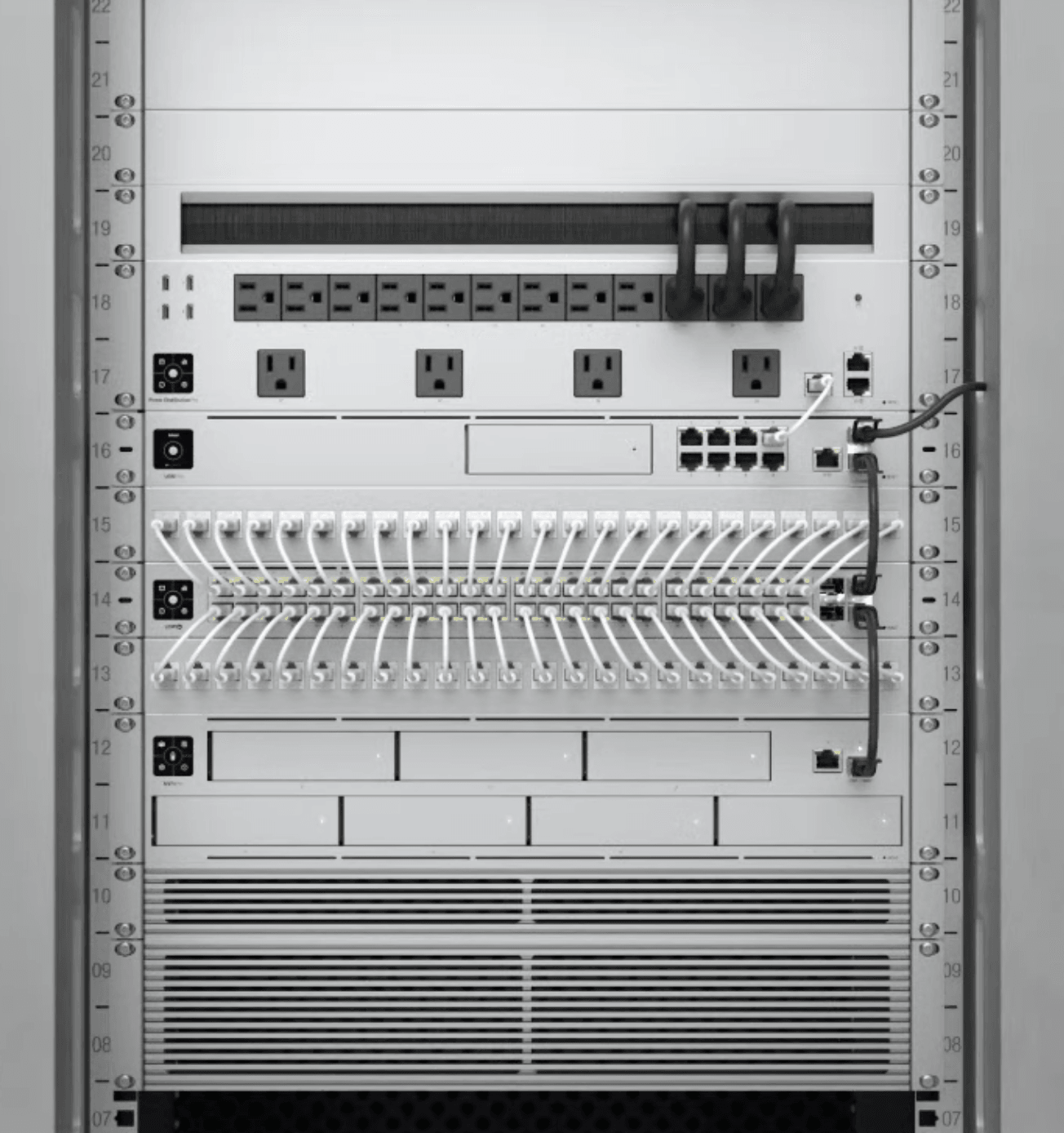
- Infrastructure — structured cabling, enterprise Wi-Fi, network segmentation. The foundation everything else stands on.
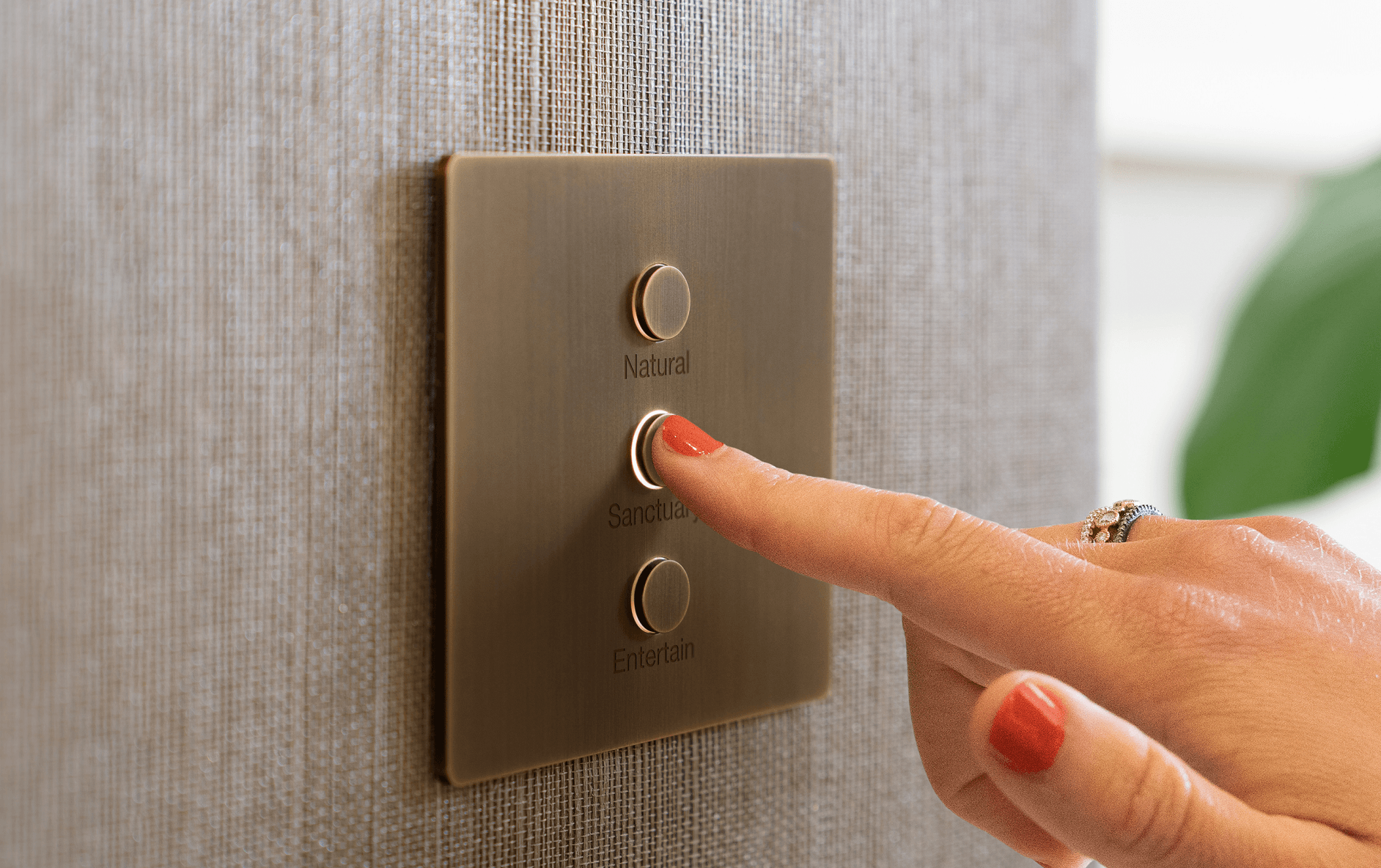
- Lighting control — keypads, dimmers, scenes, tunable-white circadian lighting. The visible system most owners notice first.
- Motorized shading — fabric and roller shades on schedules, sun-tracking, integration with lighting.
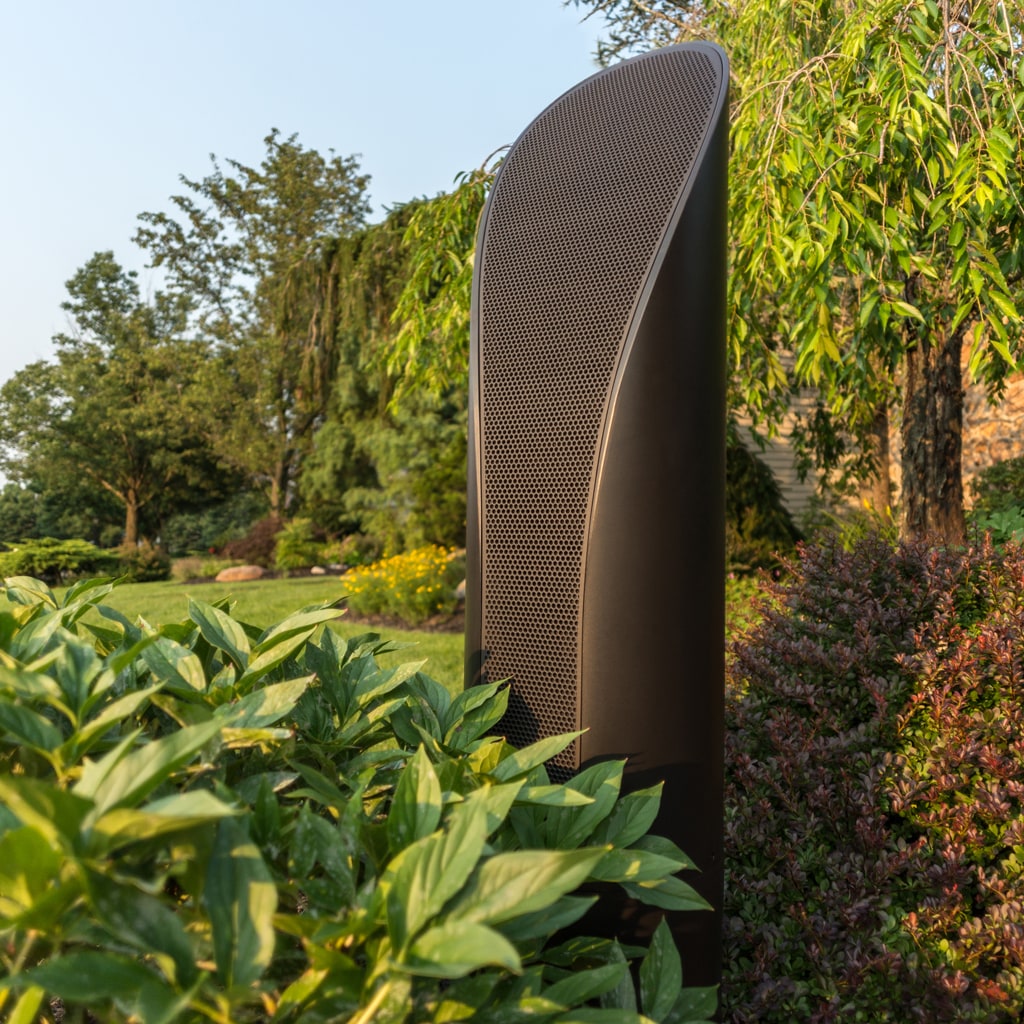
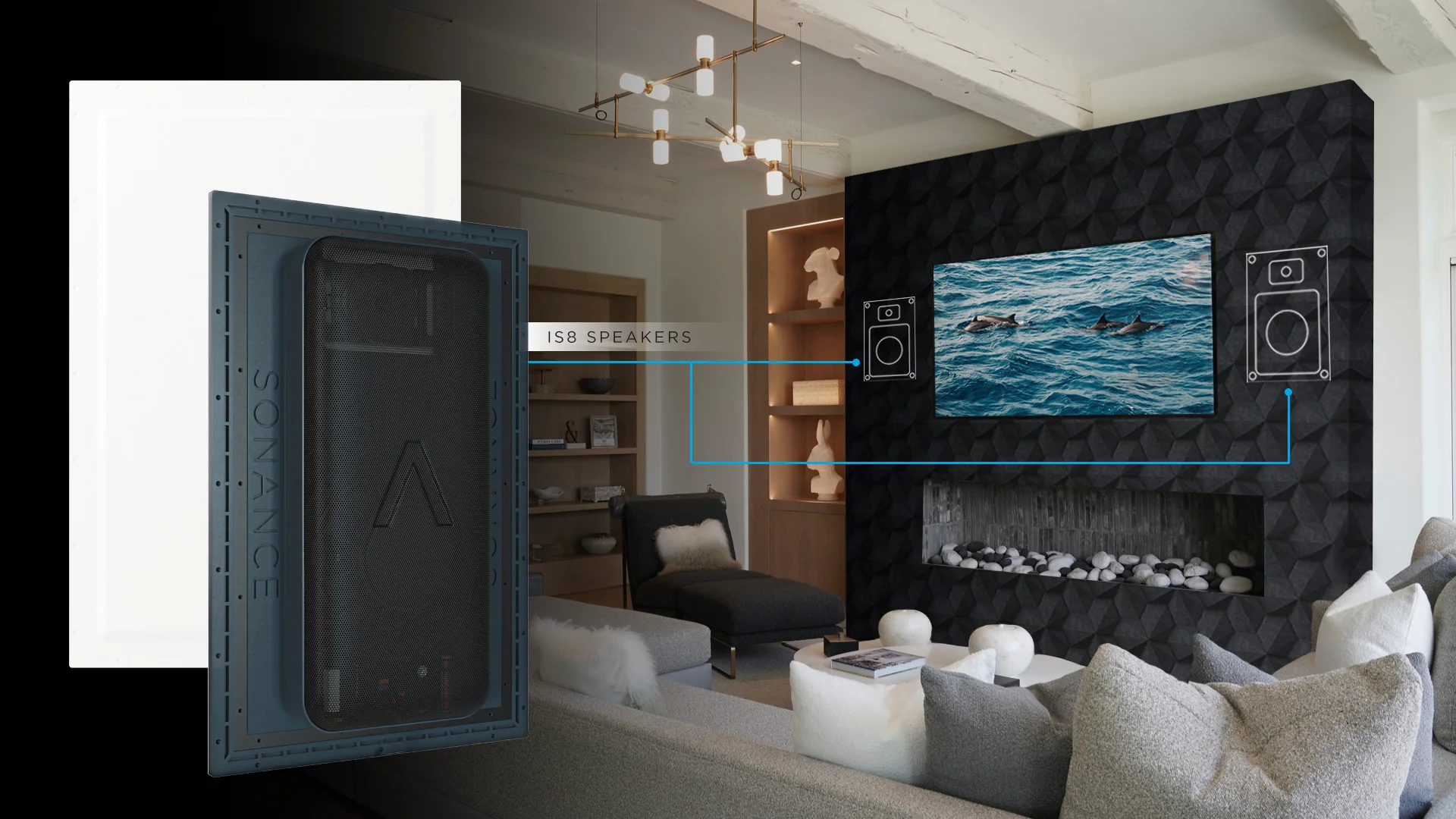
- Distributed audio — in-ceiling, in-wall, and invisible (plaster-over) speakers across rooms with multi-zone control.
- Video distribution — TVs as endpoints, sources centralized in a closet, accessible from every room.
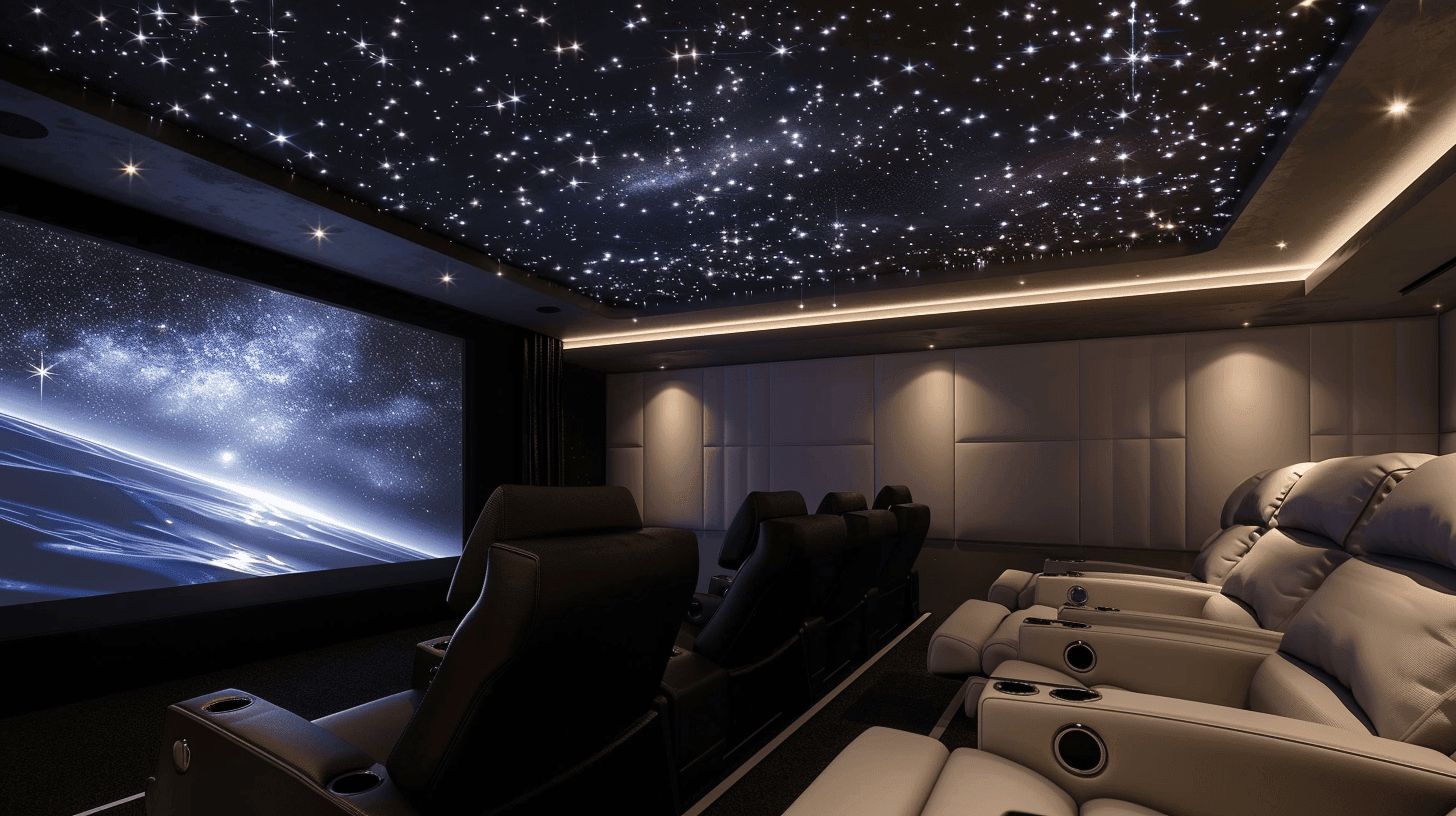
- Home theater / media room — dedicated rooms with acoustic treatment, projection or LED video walls, immersive audio.
- Security & access — cameras, door access, monitored alarm — one platform, one app, one bill.
- Climate & energy — thermostats, motorized vents, sub-metering, battery backup integration.
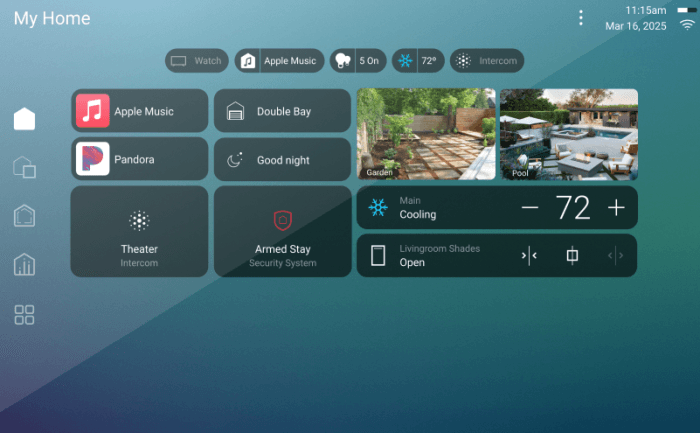
Most owners start with two or three categories and add the rest over time. The architecture of a real system — wired backbone, professional commissioning, programming you own — is what lets you do that without re-buying the foundation.
The four tiers — what each one actually buys you
Home Technology Association uses five tiers in their budget tool. We collapse to four because the bottom two tiers (HTA “Entry” and “Enhanced”) merge for most of our clients — we don’t sell the rock-bottom entry-level work. These are the four bands you’ll see on our estimator.
Essentials — $25K–$80K
Clean professional install. Solid mainstream gear, conduit and structured wire where it counts, polished finish. Control4 EA-1 driving lighting + a few rooms of audio, Sonos for music, Ubiquiti for network, basic smart locks and cameras. Looks tidy, works reliably, doesn’t pretend to be more than it is. Right answer for a starter luxury home or a homeowner phasing in: build the foundation now, layer Premium pieces later.
Premium — $80K–$220K
Custom and concealed. Lutron RA3 lighting across the home, Control4 EA-5 with custom programming, Sonance invisible speakers in primary rooms, fully concealed wiring with millwork built around it. Wi-Fi tuned for the floor plan with VLANs separating family / IoT / guest. Most of our installs land here. It’s the tier where the system stops being something you notice and starts being something the family takes for granted.
Concierge — $200K–$500K
Reference-tier equipment with full programming and commissioning. Crestron Home or Lutron HomeWorks QSX with Palladiom keypads. Wisdom Audio speakers in the primary listening rooms. Kaleidescape source. Pakedge or Access Networks backbone. White-glove service plan with defined response times. The owner expects the system to work without thinking about it for years, and we expect to be the call when it doesn’t. Most projects at this tier include a dedicated theater room.
Estate — $500K and up
No-compromise. Crestron CORE on the automation side, Lutron HomeWorks QSX with multiple processors and Palladiom shades throughout, Steinway Lyngdorf or Wisdom Audio L-Series, Barco or C SEED display tech, Trinnov processing, redundant network core with cellular failover. Bespoke programming. The system is built into the architecture rather than installed onto it. There is no upgrade path from this tier — it already is the upgrade.
The brand ladder, by category
Every category has a ladder. The estimator on this site builds the ladder into your tier selection — pick Concierge and the system suggests Lutron HomeWorks, not Caseta. Here’s the full map so you know what you’re looking at.
Automation control
Apple Home or Google Home (DIY ceiling) → Control4 EA-1 (entry-pro) → Control4 EA-5 (mid-tier homes, ~80% of our installs) → Crestron Home (custom-UI projects) → Crestron CORE (full bespoke programming, the top of the food chain).
Lighting
Lutron Caseta (apartments, small homes) → Lutron RA3 (mid-sized homes, hardwired + wireless together) → Lutron HomeWorks QSX (large homes, 1,000+ devices, architectural keypads) → HomeWorks QSX with Palladiom shades and Ketra tunable-white (the top end).
Audio
Sonos (DIY ceiling, easy multi-room) → Sonance + James Loudspeaker (in-wall and in-ceiling at scale) → Stealth Acoustics or Sonance Invisible Series (plaster- over, never visible) → Wisdom Audio P-Series or Steinway Lyngdorf (reference listening rooms) → Steinway Lyngdorf P-200 or Meridian DSP (estate-tier reference).
Video
Sony BRAVIA (mainstream luxury) → LG OLED + Sony VPL laser projection (premium rooms) → Sony VPL-XW7000ES and Kaleidescape Strato source (dedicated theater) → Barco Bragi cinema projector and Kaleidescape Terra (estate-tier dedicated theater).
Motorized shades
Lutron Serena (battery, retrofit) → Lutron Sivoia QS (hardwired, or QS Wireless) → Lutron Palladiom (rigid cassettes, architectural integration) → Crestron custom-fabric shading with Hartmann & Forbes treatments.
Network
Eero or consumer mesh (sub-luxury) → Ubiquiti UniFi (small luxury, the entry of pro-grade) → UniFi Pro with Wi-Fi 6E + VLAN segmentation (mid-tier) → Pakedge or Araknis with BakPak management (concierge) → Access Networks A410/A720, Cisco Meraki, redundant ISP with cellular failover (estate).
The hidden costs nobody warns you about
Five lines that competitors omit from their quotes. We would rather you plan for these from day one than discover them in year three.
Annual service plan
Recommended at Premium tier and above. Covers firmware updates, proactive monitoring, priority response when something breaks. Costs $1,200 to $6,000 per year depending on system scope. Without it, you pay per-visit when something breaks — usually about the same total cost, with worse uptime.
Network refresh every ~5 years
Wi-Fi standards move on a five-year cadence. Wi-Fi 6 shipped in 2019, Wi-Fi 6E in 2021, Wi-Fi 7 in 2024, Wi-Fi 8 in 2026. Each cycle is faster, more efficient, and supports more devices — but only if your access points and switches catch up. Plan on ~10% of the original network line, every 5 years.
Lifestyle re-programming
Scenes drift as families change. New baby — Goodnight scene now keeps the nursery dim. Kid heads to college — their wing’s climate schedule needs adjusting. Home office became permanent — Daytime scene now needs to handle Zoom-light. One programming visit every 1-2 years is normal at Premium+ tiers.
Streaming and cloud subscriptions
Kaleidescape adds source material at $10-$100 per movie. Spotify Hi-Fi $20/mo. Camera storage on Ubiquiti Protect Cloud or Ring Protect $10-$30/mo per property. Plan $50-$200/month depending on what you use.
Batteries and UPS
Lutron Pico remotes, Ring sensors, alarm panels, UPS batteries — all on 3-5 year replacement cycles. Easy to forget. A whole-home install at 200+ wireless devices means a few hundred dollars a year in batteries, scheduled.
All at once, or phase it?
For projects over ~$250K, staging often beats one-shot install. The argument:
- Phase 1 — infrastructure. Network, structured wiring, lighting backbone, basic security. The foundation. 6-10 weeks for a typical home.
- Phase 2 — finish out. Audio rooms, theater, motorized shades, advanced scenes. After the family has lived in the home for 60-90 days. 4-8 weeks.
The reason Phase 2 lands closer to the actual lifestyle: you don’t know which rooms you use until you use them. Plans that put a theater downstairs and a media room upstairs sometimes end up with one of them never opened — the family clusters in the kitchen with a big TV. Phasing lets you redirect the Phase 2 budget to where the family actually spends time.
The one-shot install argument: lower programming overhead, less rework, single warranty window. Right answer when the design is unambiguous (new build with very deliberate owner plans) or when timeline matters more than optimization (closing a deal, hosting a wedding, moving by a date).
When DIY makes sense, when it doesn’t
Plenty of home automation works fine DIY. Pretending otherwise is dishonest.
Yes to DIY: smart locks, video doorbells, consumer-tier Wi-Fi mesh (Eero, Google Nest Wi-Fi), Philips Hue or LIFX lighting up to ~15 bulbs, Sonos audio, smart plugs, basic thermostats, individual room cameras. These work standalone, install in an afternoon, and don’t need to talk to each other much.
No to DIY: lighting control beyond ~15 dimmers, motorized shades, multi-room hardwired audio, monitored security, dedicated theater rooms, structured cabling for new construction. The ceiling on DIY is hit when systems need to coordinate reliably — which is the whole point of professional control systems like Control4 and Crestron.
Owners who scale DIY past the ceiling usually call us 12-18 months in. The migration costs more than starting professional, because we’re replacing infrastructure the DIY system was built around. Better path: start professional at the categories that don’t scale DIY (lighting, network, audio backbone) and DIY the rest if you want.
How to budget your project
The estimator on this site asks four questions: which services, which tier, what size, how many zones. It returns a range — not a quote — with line-by-line breakdown, brand examples, and the hidden costs above. Five minutes, no email required to see the result.
For a real quote we walk the home, look at the wiring situation, and ask the lifestyle questions that determine whether you’re a Premium or Concierge fit (it’s rarely obvious from a form). That visit is free. We’d rather scope the work properly than under-quote and renegotiate.
Frequently asked
- How much does a smart home actually cost?
- For a professionally installed, integrated system the realistic range is $25K (a starter Control4 EA-1 with Lutron Caseta and Sonos audio in a small home) through $600K+ (estate-tier Crestron CORE with Lutron HomeWorks QSX, Palladiom shades, Wisdom Audio, and a Kaleidescape source library across a 12,000+ sqft home). The median project we install lands between $80K and $220K depending on whether the customer wants whole-home audio, lighting control, motorized shades, security, and a theater room. DIY hub-and-bulb setups (Apple Home, Google Home, smart bulbs from a hardware store) cost $200 to $3,000 and provide a fraction of the experience — they break, they age, and they don't coordinate across systems the way a professional install does.
- Should I pick Control4 or Crestron?
- Control4 fits ~80% of luxury homes. Turnkey, broad device support, mature app, the deepest third-party ecosystem in the category. Right answer for $1M–$3M homes that want one platform doing everything. Crestron fits $3M+ estates where the owner wants custom touchpanel UIs designed for their specific house and bespoke automation logic ("if the driveway camera sees the white SUV between 3-5 pm, open the garage and disarm the alarm and start the kids' playlist"). Crestron requires in-house programming on every project — IntegrateIT does that work directly, not subcontracted. Both platforms can do almost anything; the difference is who designs the experience and how customizable it is.
- What's the difference between Lutron Caseta and Lutron HomeWorks QSX?
- Caseta is the consumer line — works over Wi-Fi, supports 75 devices max, easy DIY install. Good for retrofitting an apartment or starter home. HomeWorks QSX is the professional line — supports 1,000+ devices, hardwired and wireless together, fade-rates measured in dimmer cycles per second, integrates with motorized shades and architectural keypads (Palladiom). At our typical install size (3,500-8,000 sqft), Caseta runs out of headroom; HomeWorks is the right answer. Lutron RA3 sits between the two for mid-sized homes.
- How long does a full home install take?
- For a new build: 4-12 weeks of pre-wiring during the framing phase, then 6-16 weeks of finish-out work after drywall and paint. For a retrofit on a finished home: 3-8 weeks total, scheduled in 2-3 visits so we're not living in your house. Estate-tier projects (>$400K) run 4-9 months from kickoff to commissioning. Most owners don't realize the longest pole isn't install time — it's decision time. Hand off a 200-decision matrix on the first call and the project stalls; we sequence decisions so the install never waits on a choice.
- What recurring costs should I plan for after the install?
- Five lines that competitors omit from their estimates: (1) annual service plan, recommended at Premium+ tiers — $1,200 to $6,000/yr depending on scope, covers firmware updates and monitoring and priority response. (2) Network refresh every ~5 years as Wi-Fi standards move (Wi-Fi 6 → 6E → 7 → 8) — plan on ~10% of the network line. (3) Lifestyle re-programming as the family changes (new baby, college kid, home office) — one programming visit every 1-2 years is normal. (4) Streaming and cloud subscriptions (Kaleidescape, Spotify Hi-Fi, camera storage, Ring Protect) — $50-$200/month. (5) Battery and UPS replacement for sensors and alarm panels — small line, easy to forget, batteries last 3-5 years.
- Can I DIY some of this and have you do the rest?
- Some categories yes, some no. Yes: smart locks, video doorbells, Wi-Fi mesh routers (consumer-tier), Hue lighting, Sonos audio, smart plugs, thermostats. These work standalone and play together with the apps that ship with them. No: lighting control beyond ~15 dimmers, motorized shades, multi-room hardwired audio, security with monitored alarm, dedicated theater rooms, structured cabling. The DIY ceiling is reached when systems need to talk to each other reliably — which is what professional control systems exist to do. Owners who try to scale DIY past that ceiling usually call us 18 months in to migrate, and the migration costs more than starting professional.
- Do I need to pre-wire if I'm building or remodeling?
- Yes, if you can afford it. Pulling cat6 + speaker wire + low-voltage runs during framing costs ~$2,000-$10,000 depending on home size; doing it after drywall costs 3-5× more (because we're fishing wires through finished walls). Even if you don't plan to install every system today, pre-wire opens up phase-2 options without cutting the ceiling. The rule of thumb: pre-wire every room for ceiling speakers and every TV location for HDMI + ethernet, even if you're not buying those systems yet. The wire is cheap during framing; the wall-cutting is brutal afterward.
- How do I know I'm getting a good integrator vs a bad one?
- Three credentials worth verifying: HTA Certified (Home Technology Association — actually audits installs, requires continuing education), CEDIA Member (the trade body, less rigorous but real), and manufacturer tier (Control4 Platinum is the top dealer tier, and a Certified Showroom means the brand has audited a live demo space; Crestron Authorized requires in-house programming staff; Lutron Certified Installer is a real exam, not pay-to-list). Also: ask if they do the programming themselves or subcontract it, ask for two reference customers from the same scale project as yours, ask what their service-response SLA is. Bad integrators sell you and disappear; good ones answer when you call three years later.
Next steps
If you’ve read this far, you know more than 90% of luxury homeowners do when they call an integrator for the first time. Two ways to move:
- Plan my project — five minutes, get a range, share with your architect or builder. No email required to see the result.
- Call Daniel directly — (913) 804-7575. 30-minute scoping call, free, no follow-up sales cadence. We’ll either be the right fit or we’ll send you to someone who is.